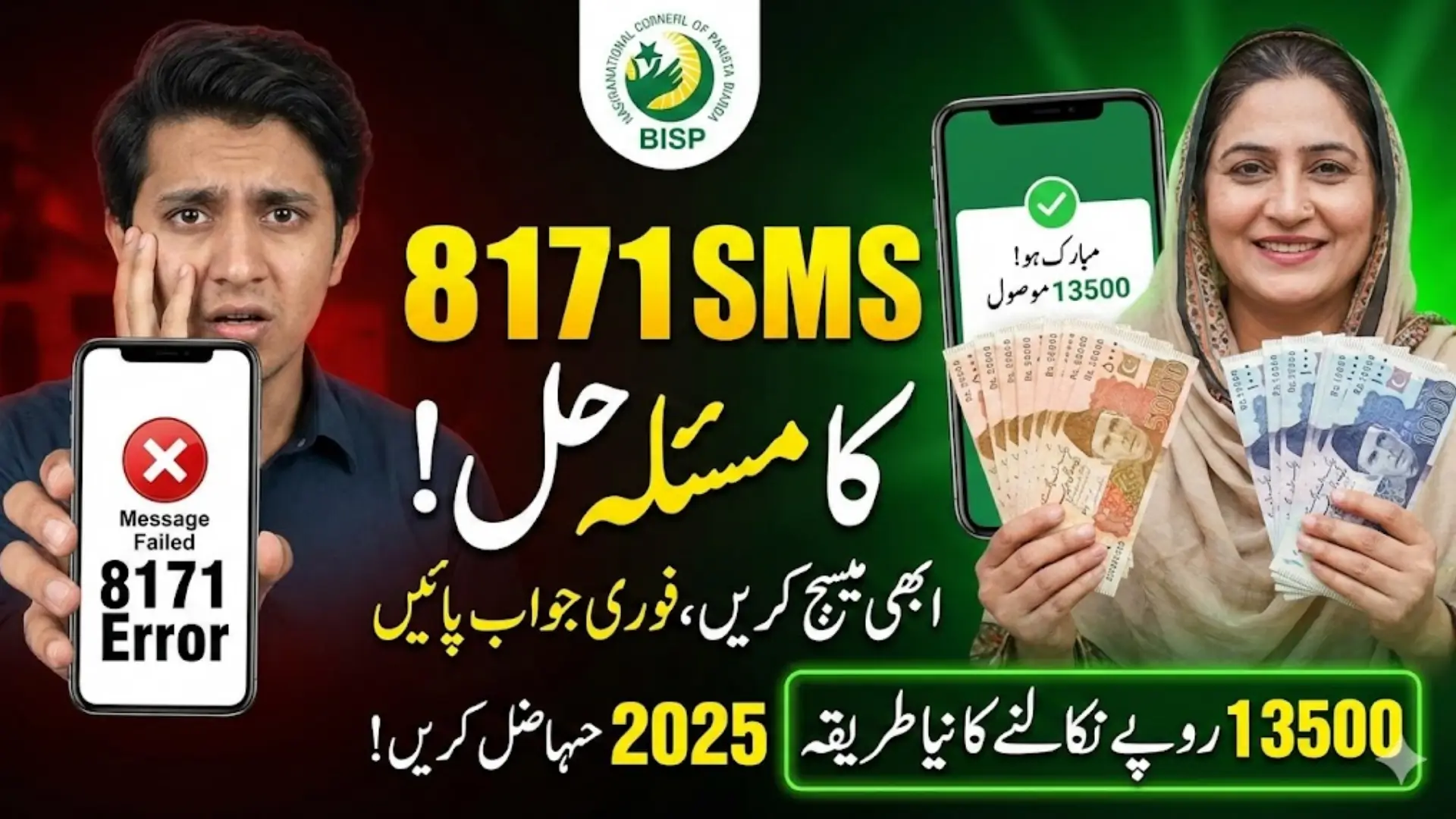
8171 SMS Issue Attempt
8171 SMS Issue Attempt is one of the simplest ways for beneficiaries to check eligibility, payment status, and current updates related to the Benazir Income Support Program. Millions of low-income families depend on this service because it is accessible from any mobile phone without internet. However, many people are now experiencing repeated SMS failures, no replies, or error notifications when sending their CNIC to 8171. These issues can delay eligibility confirmation and even disrupt the withdrawal of the Rs. 13,500 installment.
This article explains in detail why these SMS attempts fail and how beneficiaries can fix the issue quickly. It also guides you on how to withdraw your BISP payment smoothly without needing to visit the office repeatedly.
With the increasing number of beneficiaries and system updates in 2025, it has become important to understand the correct procedure. By following the instructions provided below, you can avoid common errors and receive all updates from 8171 directly on your phone without any difficulty.
You Can Also Read: Solar Panel Scheme Online Apply 2025
Why 8171 SMS Attempts Fail in 2025
Many beneficiaries do not receive replies from the 8171 service even after sending multiple messages. One of the major reasons is incorrect information or improper SMS formatting. The system automatically rejects requests that do not match the required pattern. Network congestion during peak payment days is also a major cause of delays. Thousands of beneficiaries try to access the system at the same time, causing slow responses.
Another common reason is that beneficiaries use a SIM that is not registered under their CNIC. BISP only responds when the phone number is officially linked to the identity card in their database. If the survey data in NSER is outdated or incomplete, the system is unable to verify your identity and therefore does not send a response. These issues can be resolved easily if identified on time.
You Can Also Read: Ehsaas Program Registration 8171 NADRA Apply Online
Common 8171 SMS Problems and Immediate Fixes
The table below explains the most reported SMS issues and their quick solutions:
| Problem | Reason | Quick Fix |
|---|---|---|
| No reply from 8171 | CNIC with dashes or spaces | Send 13-digit CNIC without dashes |
| SMS not received | SIM not registered on CNIC | Re-register SIM at franchise |
| SMS failed | No balance or inactive SIM | Keep minimum Rs. 2–3 balance |
| “No record found” | Outdated NSER data | Update data at BISP office |
| Repeated failures | Number not linked with CNIC | Update number during survey |
To make SMS delivery smooth, beneficiaries should follow simple rules such as using a correct CNIC format and sending the message when the network is stable. Avoid sending multiple messages at the same time, as it can trigger temporary blocking from the system.
Key points to remember:
- Always use a biometric-verified SIM registered on your CNIC.
- Send the message early morning or late at night.
- Avoid sending CNIC repeatedly within a few minutes.
- Update your NSER details if you have not done so recently.
You Can Also Read: BISP Missed Payment Details Complete Guide to Check & Withdraw
How to Fix All 8171 SMS Issues Step by Step
The first step is to check if your CNIC is typed correctly. Many beneficiaries enter their CNIC with hyphens, such as 36202-0000000-0, which the system does not accept. The correct format is 3620200000000. The system responds only to the 13-digit format. If your SIM is not active or has no balance, the SMS will not be delivered, leading to failure messages or no response.
It is also necessary to ensure that your mobile number is updated in the BISP database. If you recently changed your SIM or phone number, you must update it at the BISP Tehsil Office. The updated information may take 48 to 72 hours to reflect in the system. During this time, you might not receive SMS replies. Beneficiaries should also avoid sending multiple requests as it slows down the verification process.
Follow these steps for smooth verification:
- Check CNIC format before sending.
- Use a SIM linked with your CNIC.
- Keep your SIM active with balance.
- Messages respond faster during off-peak hours.
- Wait 24 hours before trying again if the system is busy.
You Can Also Read: Interest-free Business Loan Punjab
Alternative Ways to Check BISP Eligibility if 8171 SMS Fails
If the 8171 SMS service is not responding, there are several alternative ways to confirm your payment and eligibility status. The official 8171 Web Portal allows you to check eligibility instantly by entering your CNIC and captcha code. This method does not require a registered SIM; it only requires a smartphone or computer with internet.
You can also use the BISP Mobile App, which provides complete details about your registration, survey, and payments. Another option is calling the BISP Helpline at 0800-26477. Additionally, beneficiaries living in remote areas can visit mobile registration vans, where officials provide verification and even biometric payments.
Alternative verification methods include:
- 8171 Web Portal
- BISP Helpline
- BISP Mobile App
- Retailer shops and bank agents
- Mobile vans in rural areas
- Nearest Tehsil BISP Office
You Can Also Read: NADRA Renewal CNIC Update
Eligibility Rules for Receiving 8171 SMS and Payments
Not every household receives SMS notifications from 8171. Only those who meet eligibility criteria based on poverty score and NSER survey are considered. Beneficiaries must ensure their household information is complete and correct. Families with missing or incorrect data may not receive SMS alerts regarding eligibility or payment updates.
The program prioritizes low-income households headed by women. Widows, divorced women, or those without a stable source of income are generally eligible. Families who receive government salaries, pensions, or own large assets are excluded from the program. If your NSER survey is incomplete, the system is unable to verify your information and does not send SMS notifications.
Eligibility includes:
- Low household income
- Verified female head of family
- No government salary or pension
- No high-value property
- Updated NSER survey information
You Can Also Read: BISP Validation 2025 Eligibility
NSER Update and SIM Linking Procedure for BISP
Updating your NSER data is necessary if you are not receiving SMS notifications or payments. During the update, beneficiaries must provide accurate information about their household, income, and family members. You must bring your original CNIC, FRC, child’s B-form, and proof of address. Once your data is updated, you can request the staff to link your mobile number with your CNIC.
The linking process at the mobile franchise ensures your SIM is verified and officially attached to your identity. This is necessary because BISP sends messages only to the number registered in their database. After updating your information, it may take up to 72 hours for the system to refresh and start sending notifications.
Documents required:
- Original CNIC
- Family Registration Certificate
- Child B-Form
- Proof of residence
- Registered mobile number
How to Withdraw Your BISP Payment of Rs. 13,500 in 2025
Beneficiaries can receive their Rs. 13,500 installment from authorized retailers, bank agents, mobile vans, or ATMs (only for BISP cardholders). The withdrawal process involves biometric verification of the thumb impression. If the verification fails, beneficiaries may visit another payment center or try again after cleaning their hands, as the device often fails due to dust.
In some areas, especially flood-affected regions, mobile vans provide doorstep payment service. Temporary campsites are also set up during each phase to manage large crowds. The government is also working on digital wallets, which will soon allow direct transfer of payments to mobile accounts.
Below is a simple withdrawal guide:
| Payment Method | Details |
|---|---|
| Campsites | Payment after biometric verification |
| Retailers & Bank Agents | Cash withdrawal through thumb scan |
| Mobile Vans | For remote or disaster-hit areas |
| ATMs | For cardholders |
| Digital Wallet | Coming soon |
Important points during withdrawal:
- Carry your original CNIC.
- Ensure your thumb impression is clear.
- Do not pay extra charges to agents.
- Ask for receipt after withdrawal.
You Can Also Read: How To Register BISP 8171 For Next Payment
Final Summary
The 8171 SMS service is a vital communication channel for BISP beneficiaries, but many face challenges due to formatting errors, inactive SIM cards, outdated data, or system overload. By following the steps in this guide, beneficiaries can easily resolve SMS issues and continue receiving updates without any delay. The article also explained alternative ways to check eligibility and the withdrawal method for the Rs. 13,500 payment.
As the government continues improving the system in 2025, beneficiaries must keep their data updated and follow the official verification methods. Whether you use SMS, the web portal, or mobile app, all options ensure safe and smooth access to your payment information at home.